A Wish is something real your child can save their Feathers for: half an hour on the iPad, choosing dinner, a trip to the pools. You decide what is on the list and what it costs.
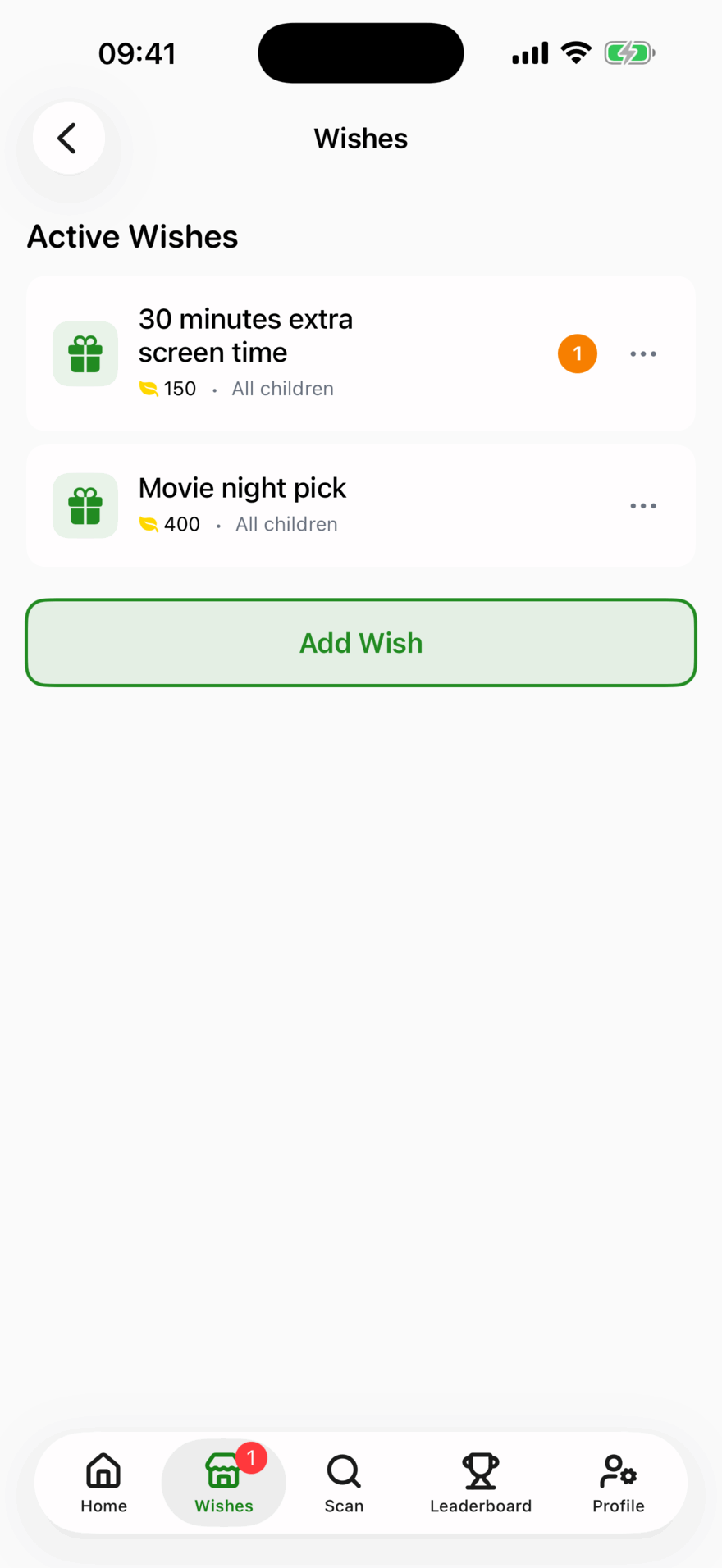

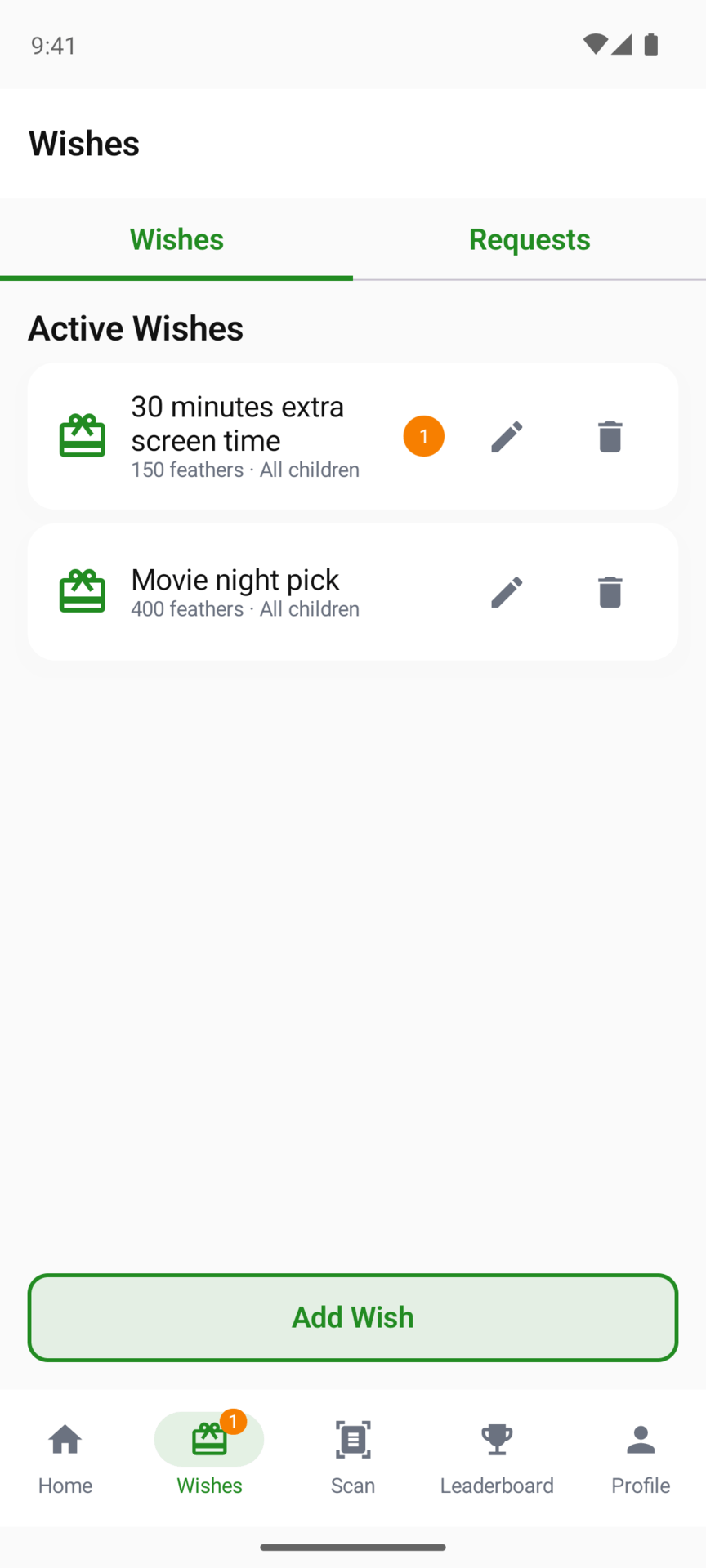

Wishes are for children. A parent’s own learning profile has none.
Setting up a Wish
- On your parent screens, open the Wishes tab.
- On iPhone and iPad, tap Manage Wishes, then Add Wish. On Android, tap Add Wish on the Wishes list.
- Give it a name, a Feather cost, and choose who it is for: All Children or Specific Children.
There is no right price. Look at how many Feathers your child earns in a typical week on their page, and price a Wish at what you would like them to work for.
When your child trades for one
Your child finds Wishes in The Hollow and taps Trade. The Feathers come off their balance and you get a notification.
The request waits in your Wishes tab (under Requests on Android) until you deal with it:
- Grant it with the tick, once you have given your child the reward.
- Decline it with the cross, then Decline & Refund, to give the Feathers back for a Wish that can’t happen right now.
Granted Wishes are kept in a list, marked Granted. The Monday email reminds you about any Wish still waiting. For a child on a weekly plan, the plan’s email replaces the Monday one and doesn’t list waiting Wishes, so check the Wishes tab.
Updated . Does something here not match what you see in the app? Tell us and we will fix the page.