Badges arrive on their own as your child reaches a milestone. There is nothing to claim.
What earns a badge
- lessons finished and questions answered,
- perfect lessons, right first time all the way through,
- streaks, up to a full year of days in a row,
- Feathers earned and Altitude climbed (spending Feathers in The Hollow or on a Wish never holds a badge back), with the Altitude badges named after New Zealand mountains,
- questions right first time, lessons done without a hint, and quick answers,
- the mini-games,
- a few New Zealand specials, such as Matariki.
Seeing them
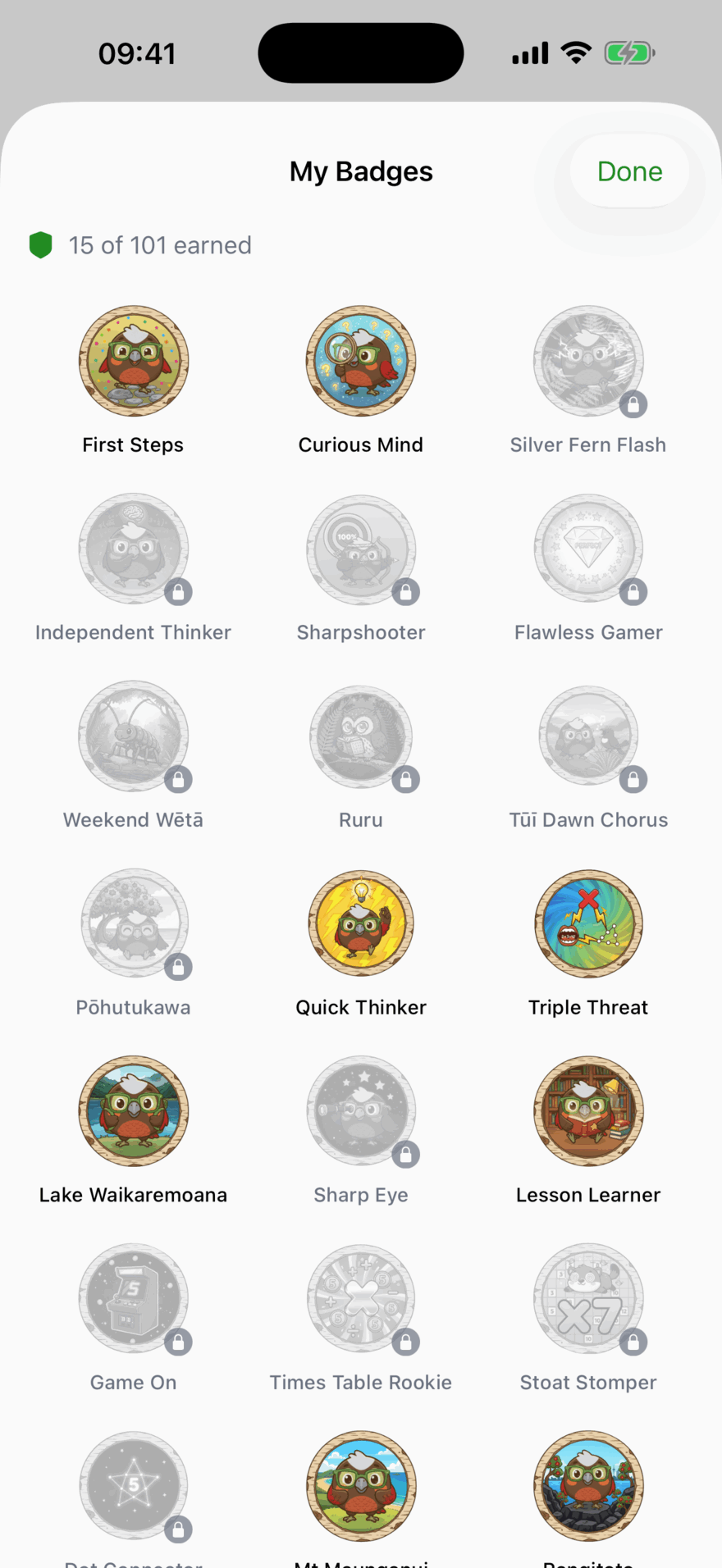
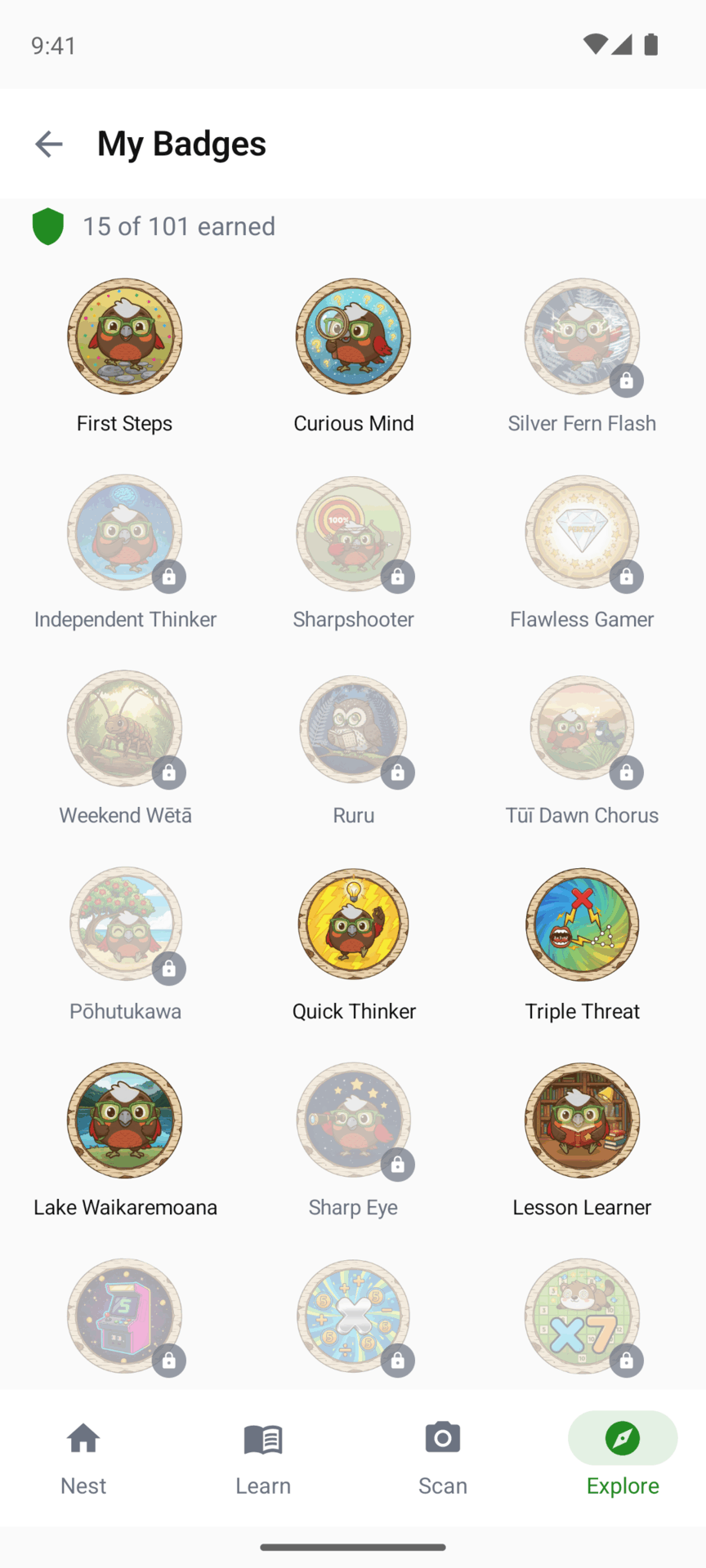
Your child’s collection is under Explore then Badges (the screen is called My Badges), including the ones still to earn, greyed out. Tap one to see what it takes.
On your screens, your child’s page shows how many badges they have, and lists them with their pictures under Badges Earned.
Updated . Does something here not match what you see in the app? Tell us and we will fix the page.