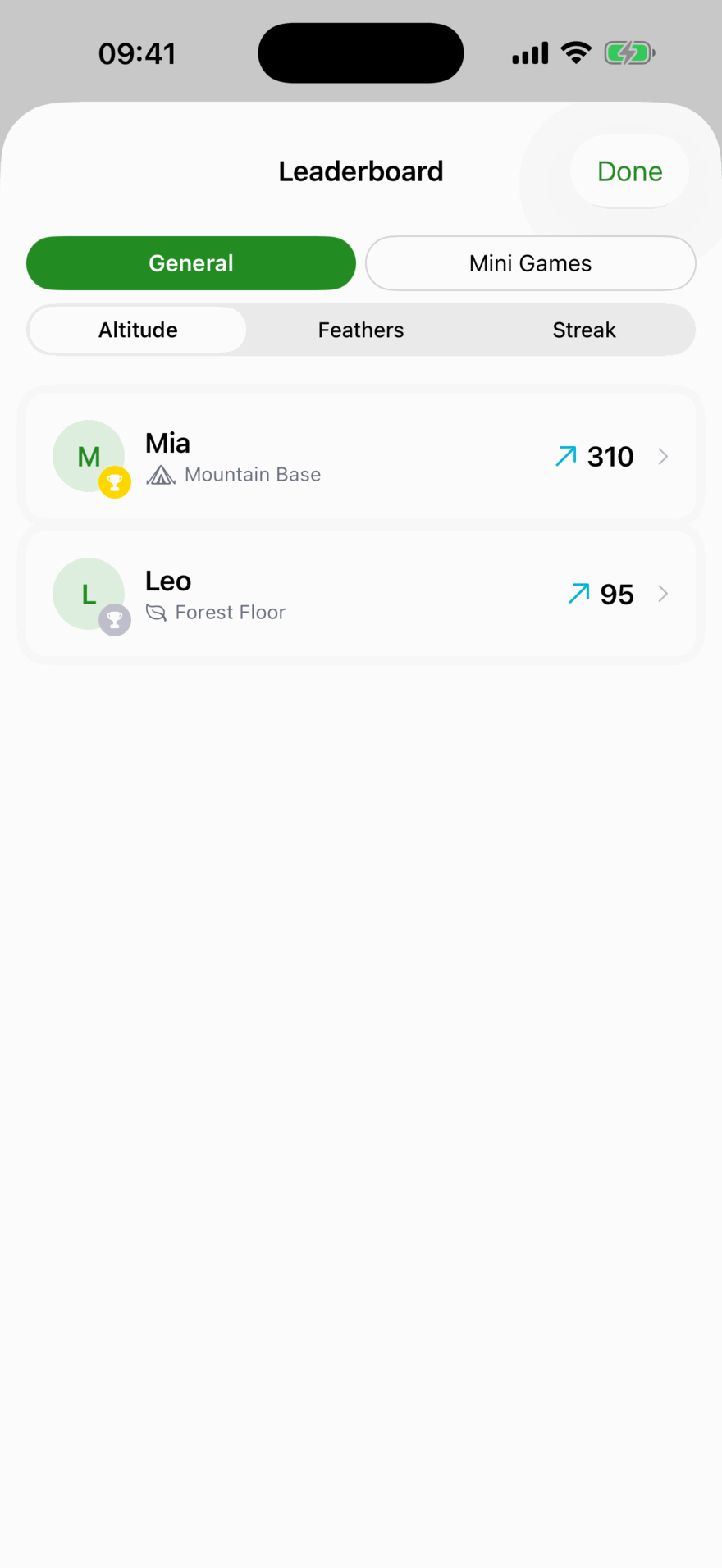

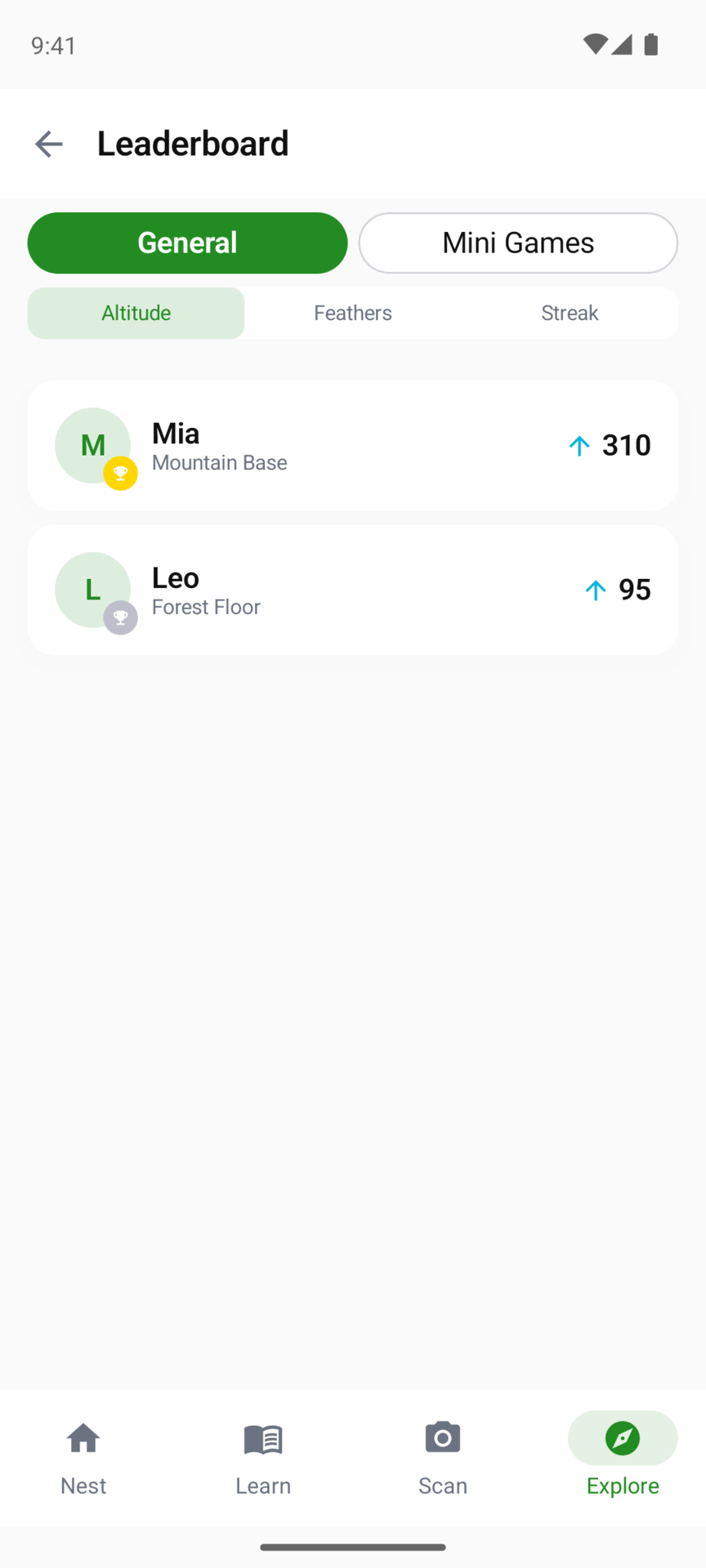

The family leaderboard
Your children, ranked. Under General it sorts by Altitude, Feathers or Streak; under Mini Games, by each game’s best score. If you learn alongside a child, your own learning profile is on this leaderboard too, but never on a flock’s. Children see it under Explore, then Leaderboard, and can switch from Family to any flock the family is in. You see it in the Leaderboard tab, under Family.
Flocks
A flock is a group of families whose children share one leaderboard: cousins in different towns, or a few friends from school.
Only a parent can set one up:
- Open the Leaderboard tab, then Flocks.
- Tap Create a Flock (or the + once you have one) and give it a name.
- Open the flock, tap Invite, enter the other parent’s email address and tap Send Invite. The invitation lasts seven days.
When they join, their children appear on the flock’s leaderboard alongside yours. A flock’s leaderboard shows its top ten.
Joining a flock
The other parent gets an email. On the phone or tablet with Kākā Math on it, they tap the Join button in that email. The app opens on Flock Invite, which says whose flock it is, and they tap Join Flock. Only a parent can accept, so a child who opens the link is asked to pass it to a parent.
Reading the email on a computer? Open the app on the phone, go to Leaderboard, then Flocks, and tap the join button at the top (or Already have an invite? if you have no flocks yet). Paste the link from the email into Invite link or code, tap Find Invite on iPhone or iPad (Preview on Android), then join.
No account yet? Download the app and create one, then tap the link in the email again. The invitation lasts seven days; after that, ask for a new one.
Leaving a flock
Open the flock and tap Leave Flock. The family that created a flock can’t leave it; they see Delete Flock instead, which removes it for every family.
What other families see
Tapping a child on the leaderboard shows their nickname (or their name, if they have no nickname), their avatar, Feathers, Altitude, streaks and badges. Nothing about their lessons, answers or Cheeky Checks is shared with another family. Give your child a nickname on their profile if you would rather their name stayed private.
Updated . Does something here not match what you see in the app? Tell us and we will fix the page.