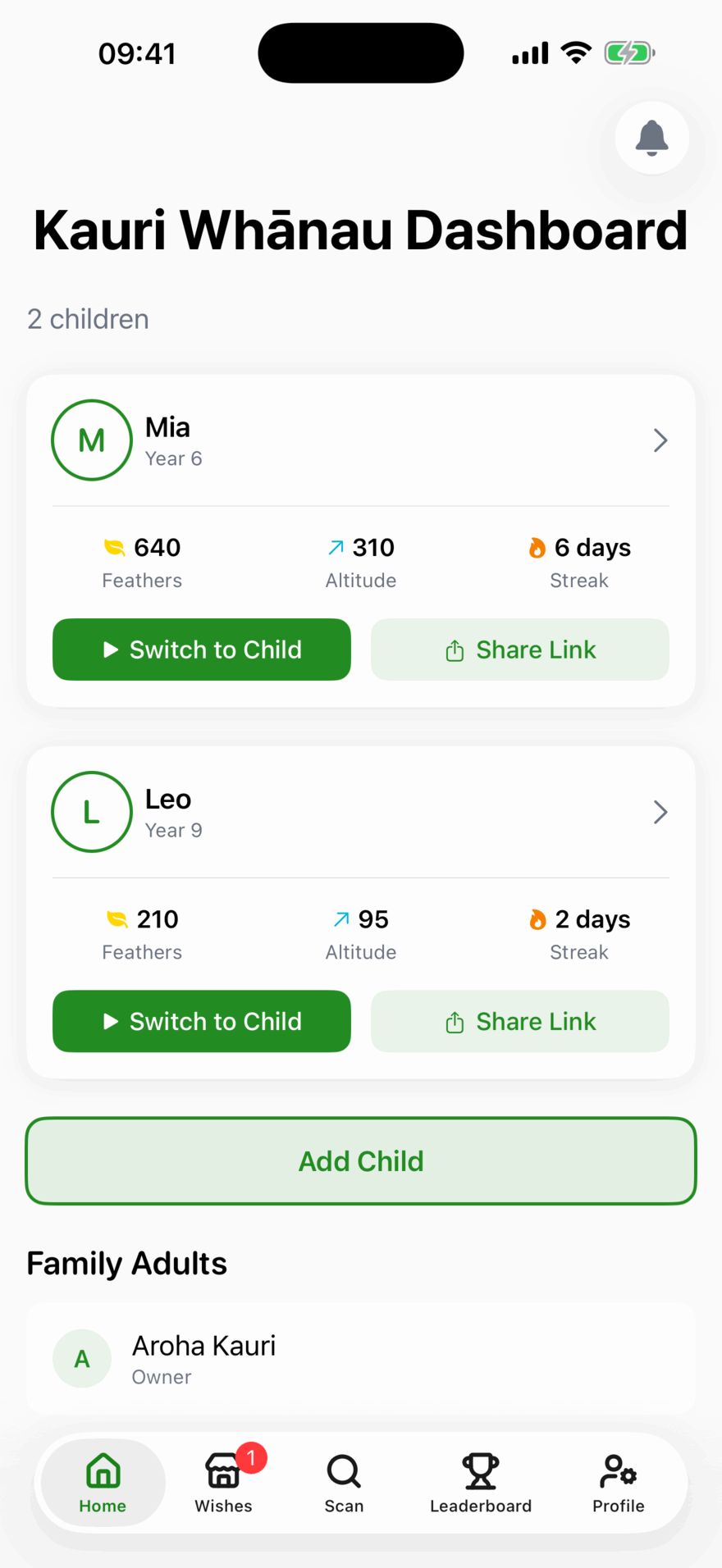
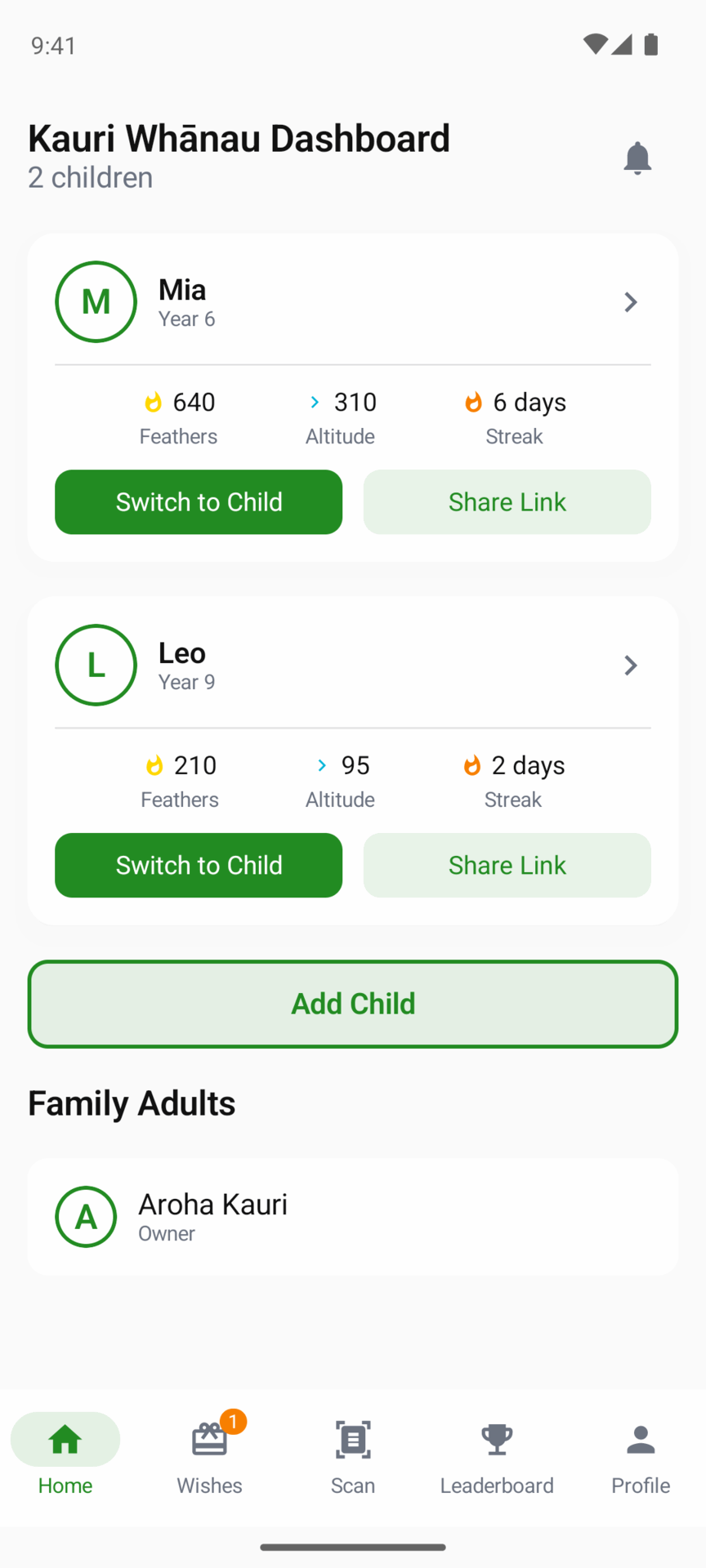
Your home screen
Each child has a card with their year levels, their Feathers, Altitude and streak, and two buttons: Switch to Child and Share Link (a sign-in link for their own device).


Your child’s page
Tap a child’s card. From the top:
| Section | What it tells you |
|---|---|
| Feathers, Altitude, Streak | Their totals. A caption explains each one |
| Weekly plan | Their weekly plan, or a button to start one |
| Active Sessions | The devices they are signed in on. See Your child’s devices |
| Maths Check-In, Numeracy Practice | Their check-in and practice test results. See below |
| Learning Summary | Lessons done, questions answered, first-try accuracy, best streak, time spent and badges |
| This Week vs Last Week | Whether they are doing more or less than last week |
| Problem Questions | The questions they found hard, to go through together |
| Times Table Trouble Spots | The times table facts they get wrong most |
| Topic Progress | For each topic: lessons done, and how many questions were right first time |
| Badges Earned | Their badges, by name |
| Recent Activity | Their last five rewards and what each was for |
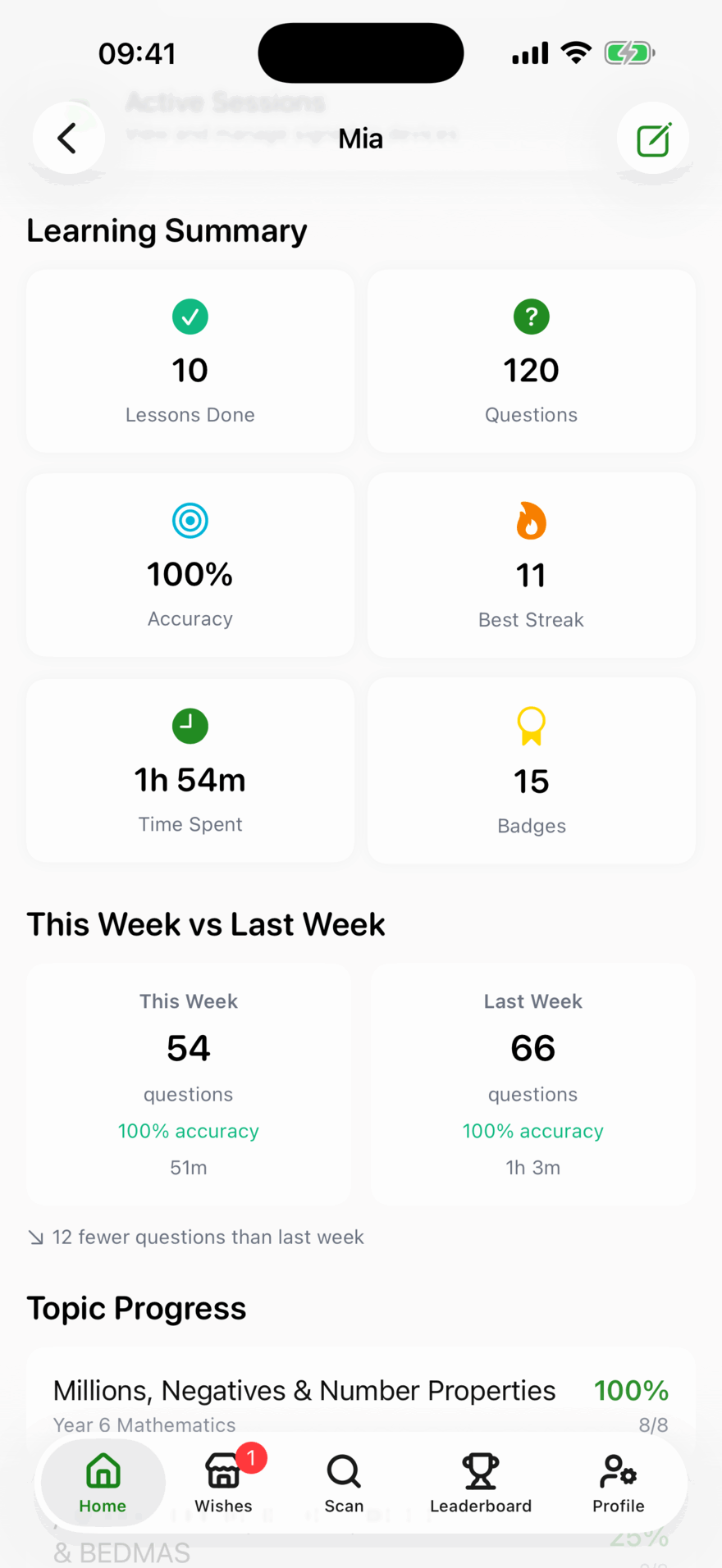
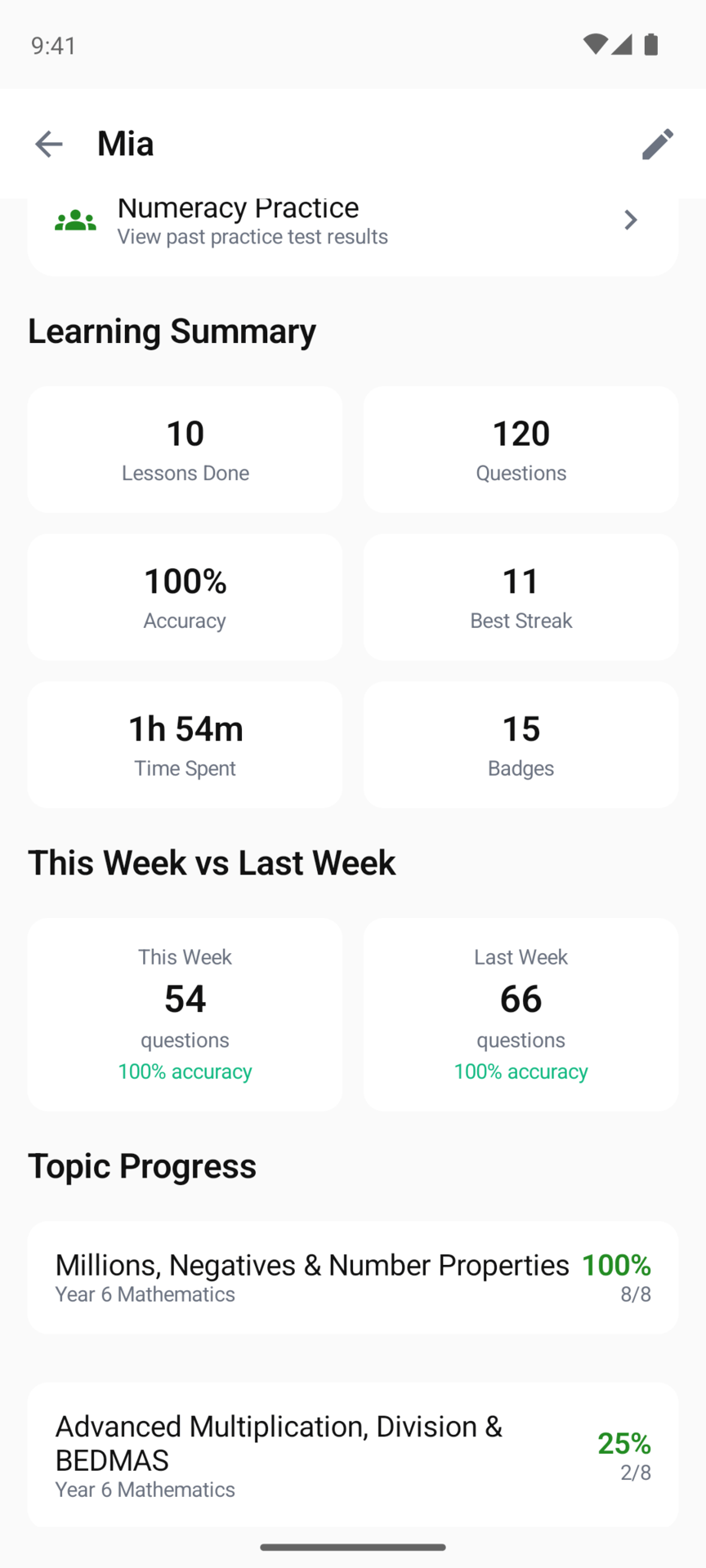
First-try accuracy is the number to watch. A question got right after a few tries still counts as done, but only a right first answer counts here, so it shows what your child can do on their own.
Problem Questions
A question lands here when your child hasn’t got it yet, took three or more goes, missed it on the first try even if a retry fixed it, or got it right in a lesson and then missed it when it came back later (labelled Missed on a later go). The most recent 12 are shown.
Open one to see the question, the first answer they gave, the answer that worked if they got there on a retry, and the correct answer. Below those is the worked Solution, for a question that has one. It is the quickest way to find something worth sitting down with them over.
Check-ins and practice tests
Your child’s page has a Maths Check-In row and a Numeracy Practice row, on iPhone, iPad and Android. Numeracy Practice lists every type of practice test with how many attempts your child has finished.
Weekly plans
If your child is on a weekly plan, the Weekly plan section shows the week, how many days they practised and the mistakes worth talking about.
The weekly email
Every Monday you also get an email with the week’s highlights. A child on a weekly plan is in the plan email instead. See The Monday email.
Updated . Does something here not match what you see in the app? Tell us and we will fix the page.